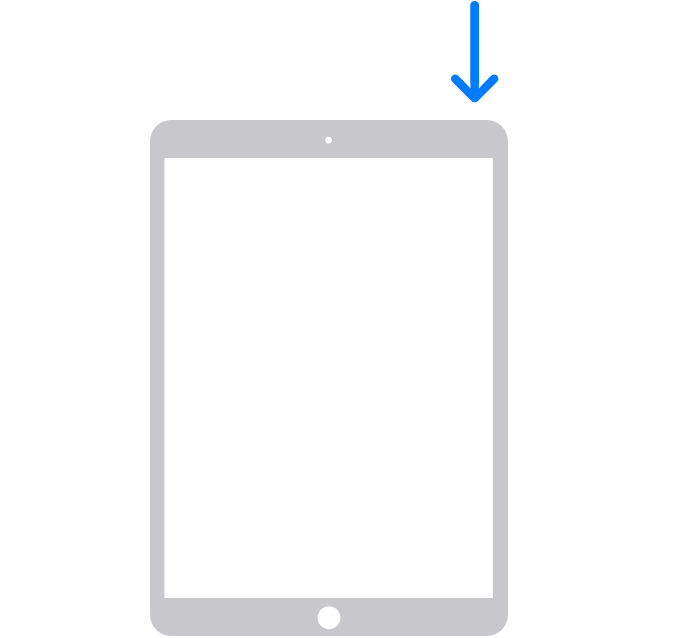
iPad - How to restart John Smith April 03, 2023 13:50 Press and hold the top button until the power off slider appears. Drag the slider, then wait for 30 seconds for your device to turn off. To turn your device back on, press and hold the top button until you see the Apple logo. Comments 0 comments Article is closed for comments.

Comments
0 comments
Article is closed for comments.